PALP Menu
The Tools Don't Stop When the Meeting Ends.
The NVEEE Empowerment & Success Hub is your digital resource center for PALP. It puts the tools you need between sessions in one place: writing, interviews, research, projects and checking your work.
- The Hub is your online resource center for PALP.
- Find templates, guides and trackers for emails, interviews, résumés, your Community Impact Project and more.
- Resources appear when you need them, not as extra homework.
- Use it to save evidence of your work for your PALP record.
See the Hub in Action
Want to see what the Hub is like? This video takes you inside and shows how online resources support your work between live PALP sessions.
This Isn't Extra Homework for the Sake of Homework
The Hub gives you the right resource when you need it, not random online lessons. Some resources prepare you for a session, some help you complete a project and some help you document your work.
Prepare
Get ready for an upcoming PALP session or conversation.
Use It in Real Life
Apply the tool to something you're actually doing.
Build / Do the Work
Complete real project or application work.
Save the Evidence
Document what you did for your record.
What You Can Use the Hub For
| Need | What the Hub can help you do |
|---|---|
| Know yourself & set direction | Use self-reflection, values and goal-setting tools to connect what matters to you with what you want to build next. |
| Think more critically | Separate facts from assumptions, check evidence, verify sources, compare what other sites say and defend a claim. |
| Use AI responsibly | Use AI to support your thinking without handing over your judgment; check its claims and stay responsible for your final work. |
| Tell your story | Turn a real experience into a clear story for leadership, fundraising, applications and interviews, without exaggerating. |
| Speak & present | Prepare short pitches, presentations and project defenses using speaking standards and feedback you can reuse. |
| Communicate professionally | Practice outreach, emails, calls, follow-up, informational interviews, project requests and building professional relationships. |
| Build your Community Impact Project | Tools for defining the problem, mapping who's affected, confirming the need, assigning roles, measuring results, collecting evidence, telling your impact story and presenting. |
| Manage projects & deadlines | Project-management tools to assign work, track owners and deadlines, flag problems and keep your team moving. |
| Prepare for opportunities | Résumé, scholarship, application and interview resources that match your grade and next step. |
| Handle adult-life decisions | Practice decisions about money, banking, credit, scams, grocery budgets, unit prices and more, tied to PALP's Adulting work. |
| Track growth & evidence | Trackers and forms to compare your growth, confirm your service record, prepare for PALP defenses and save evidence of your work. |
A Hub That Follows the PALP Year
The Hub isn't nine months of online homework. Resources show up when you actually need them.
| When | What you may use the Hub for |
|---|---|
| October: Start Strong | Self-reflection, goals and your first project research tools. |
| November: Communicate & Build | Fundraising stories, pitching and project design. |
| December: Reset & Reflect | Reset tools and project communication planning. |
| January: Reach Out & Take Action | Outreach, informational interviews and scholarship resources. |
| February: Adjust | Status updates and fixing a weak plan with evidence. |
| March: Verify & Advocate | Checking sources and honest impact stories. |
| April: Adulting & Close the Loop | Money decisions, grocery budgets and project documentation. |
| May: Show What You Built | Presentation prep, résumé updates and your final defense. |
| June: Carry It Forward | Your 90-day plan and confirming your service record. |
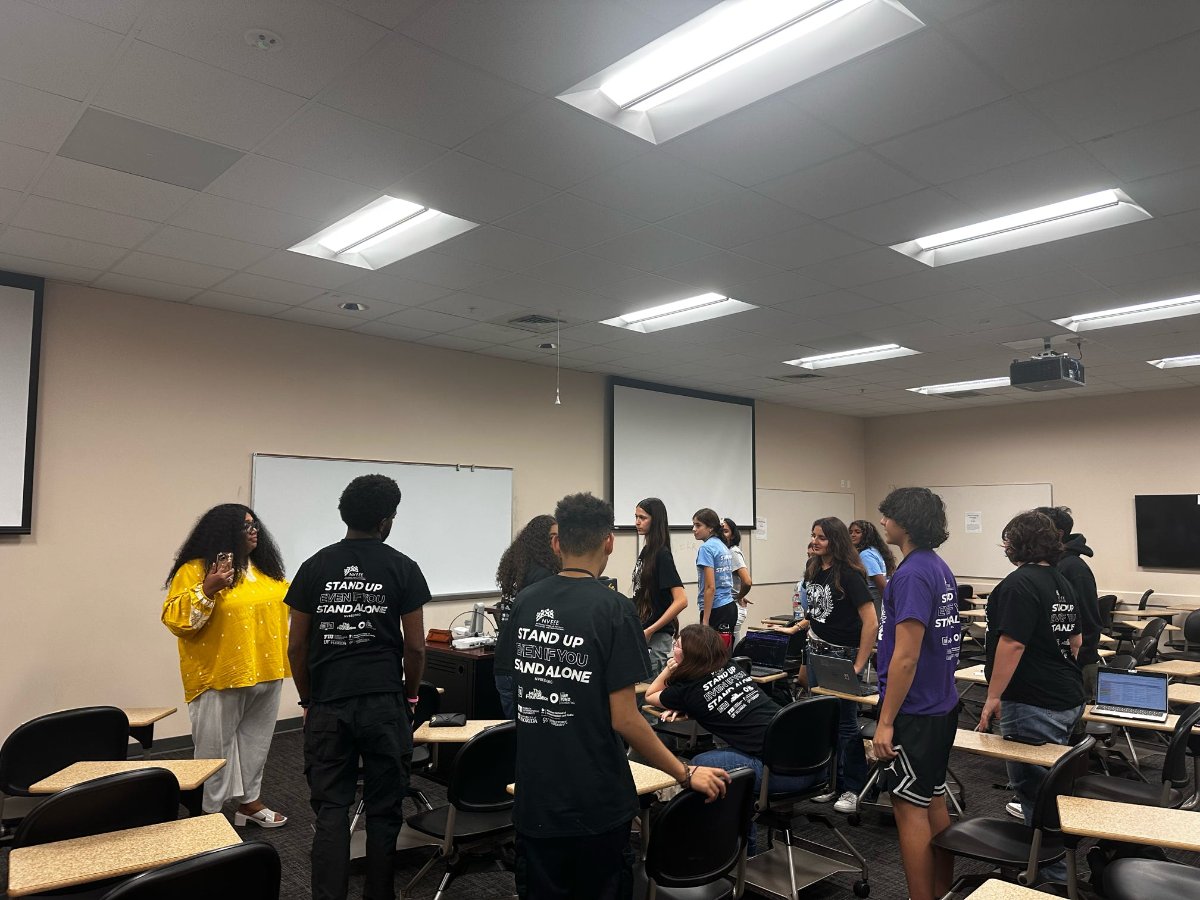
Tools that meet you when you actually need them.
Community Impact Project Toolkit
Your project has its own support system. A six-month community project is easier when you aren't inventing the process as you go. The Hub's resources match each Community Impact Project checkpoint. Depending on where your team is, you may use tools that help you:
Opportunity & Future-Ready Tools
The Hub helps you move from "I should probably do that someday" to being ready when an opportunity appears.
| Resource area | How you can use it |
|---|---|
| Résumé | Build and revise a truthful résumé that fits your grade, using experiences you can back up. |
| Scholarships & Funded Opportunities | Researched opportunities and resources that fit your grade, location and eligibility. |
| Interview Preparation | Prepare examples, practice likely questions, get feedback and improve before a real interview. |
| Professional Email & Follow-Up | Practice introductions, requests, thank-you notes, follow-up and other communication adults expect. |
| Networking / Informational Interviews | Learn to ask better questions, listen, follow up and build real professional relationships, not just collect contacts. |
| College / Scholarship Writing Resources | Brainstorming resources for when you have a real application to write, not essays for busywork. |
Critical Thinking, Research & AI
Don't just find an answer; learn how to check it. Search engines and AI can give you an answer in seconds, but that doesn't mean it's accurate, complete or right to use. The Hub helps you practice asking:
These aren't just research-class questions. You'll use the same thinking to evaluate a scholarship, decide whether a social media claim is true, research your Community Impact Project, compare money choices or defend a recommendation.
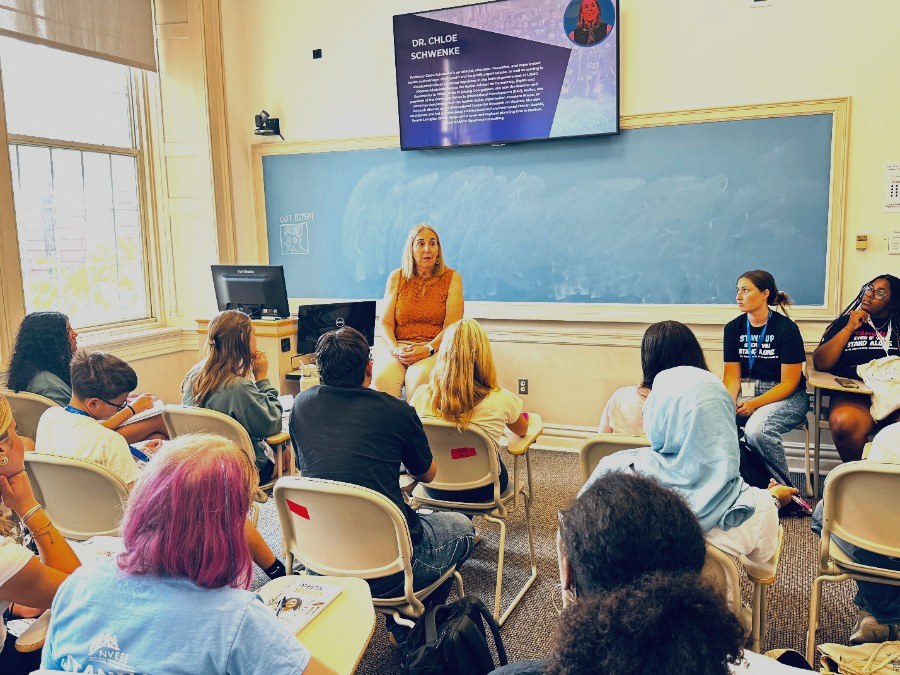
Practicing the thinking behind the answer, not just the answer.
Life Skills You Can Come Back To
You can return to Hub tools on time management, college planning, résumés and more whenever you need them.
Built to Help You Do the Work, Not Do It for You
The Hub gives you templates and examples, but the thinking and final work are yours, especially when you use AI.
You Won't Use the Hub the Same Way in Every Grade
A 9th grader and a 12th grader don't need the same thing. If you're returning, a Leadership Fellow or a Junior Counselor in Training, you'll use advanced versions of the same skills instead of repeating the basics.
| Grade | What the Hub Focuses On |
|---|---|
| 9th Grade | Foundation: understand yourself, build professional habits, start documenting experiences, practice communication and learn to check information. |
| 10th Grade | Build depth: strengthen your résumé, take on more complex project work, improve research and communication and connect your interests to future options. |
| 11th Grade | Get positioned: deepen your leadership and work evidence, research opportunities, strengthen professional relationships and prepare for scholarships, programs and senior-year applications. |
| 12th Grade | Execute: use your verified experiences and materials for real applications, interviews, scholarships, funded programs, transition decisions and next steps. |
Built for PALP, Growing Every Year
The Hub includes NVEEE's existing tools and is adding new PALP tools for 2026–27, released throughout the program as you need them.
Have Questions?
Every PALP question and answer now lives on one page, organized by topic.
When You Need the Tool, You Should Know Where to Find It.
The Hub helps you prepare, practice and keep your tools within reach. You still do the work; you just don't have to figure it out alone.